One brand · three products

Learn the market.Apply it live.

Quantech puts learning and trading in one place. Understand why markets move, read the macro picture with an AI desk, then act on it with charts that show the order flow.

See how it works

Free while in beta · no card

Order book · ChartsSize resting at 4,398.8
Lesson 04 · Member

Liquidity and stop runs

68% completeApply on the chart →
Market regime · MacroRisk-onBias shifted bullish on gold

Why Quantech

Most traders learn in one place, read the market in another and trade in a third. The lesson never meets the trade. Quantech closes that gap — every idea you learn shows up on the desk, and every trade you take becomes something to learn from.

The products

Everything between the lesson and the trade.

Founding spots open

Member

Understand before you act.

Structured paths from market structure and macro regime to risk and execution. Short lessons, live sessions with the research team — and every lesson ends with something to try on the desk.

  • Guided learning paths
  • Live sessions and replays
  • Practice on real market data
Explore Member →

Path · Trading gold

  1. 01What moves goldDone
  2. 02Reading the macro regimeDone
  3. 03Liquidity and stop runsNow
  4. 04Executing the planNext
Apply on Charts →
Live · free in beta

Macro

Know what the market is thinking.

An AI macro desk in your browser. Bias, regime, rates, positioning and gamma — read, scored and explained in plain language across twelve modules, so every session starts with context.

  • AI bias engine and trade ideas
  • Macro regime, rates and liquidity
  • Gamma, signals and a trading journal
Explore Macro →
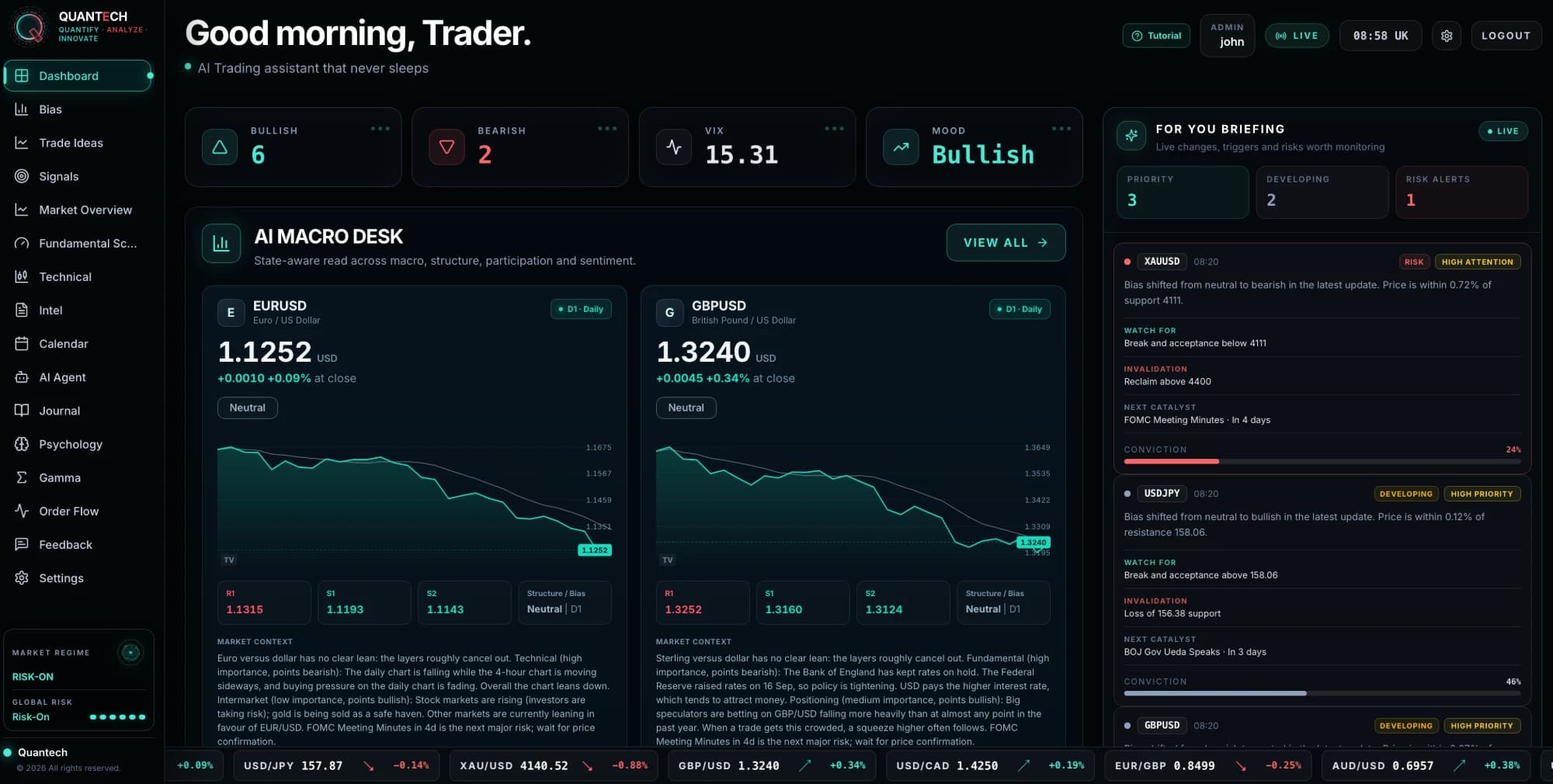
The Macro dashboard
New · desktop beta

Charts

See the orders behind every candle.

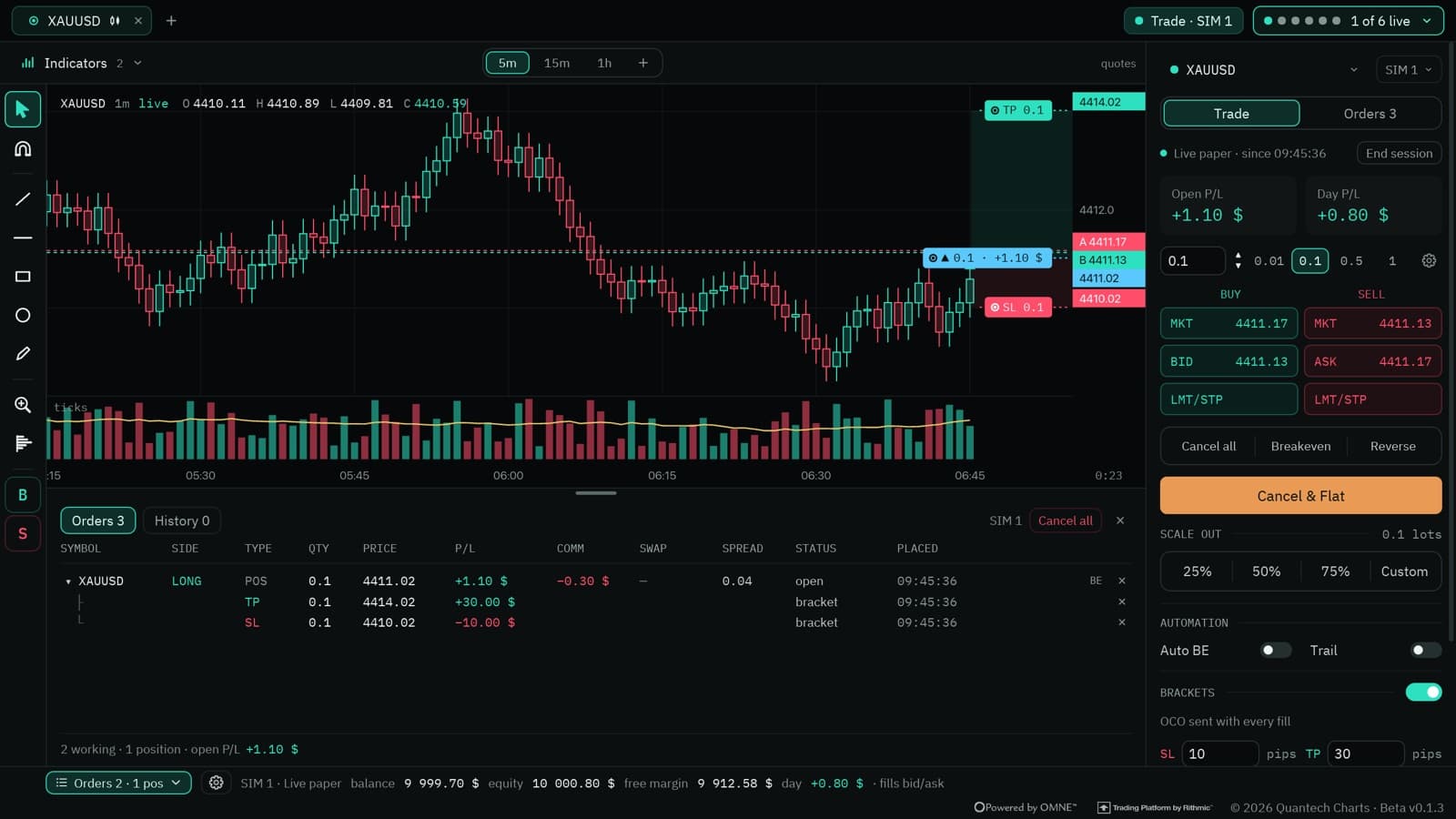
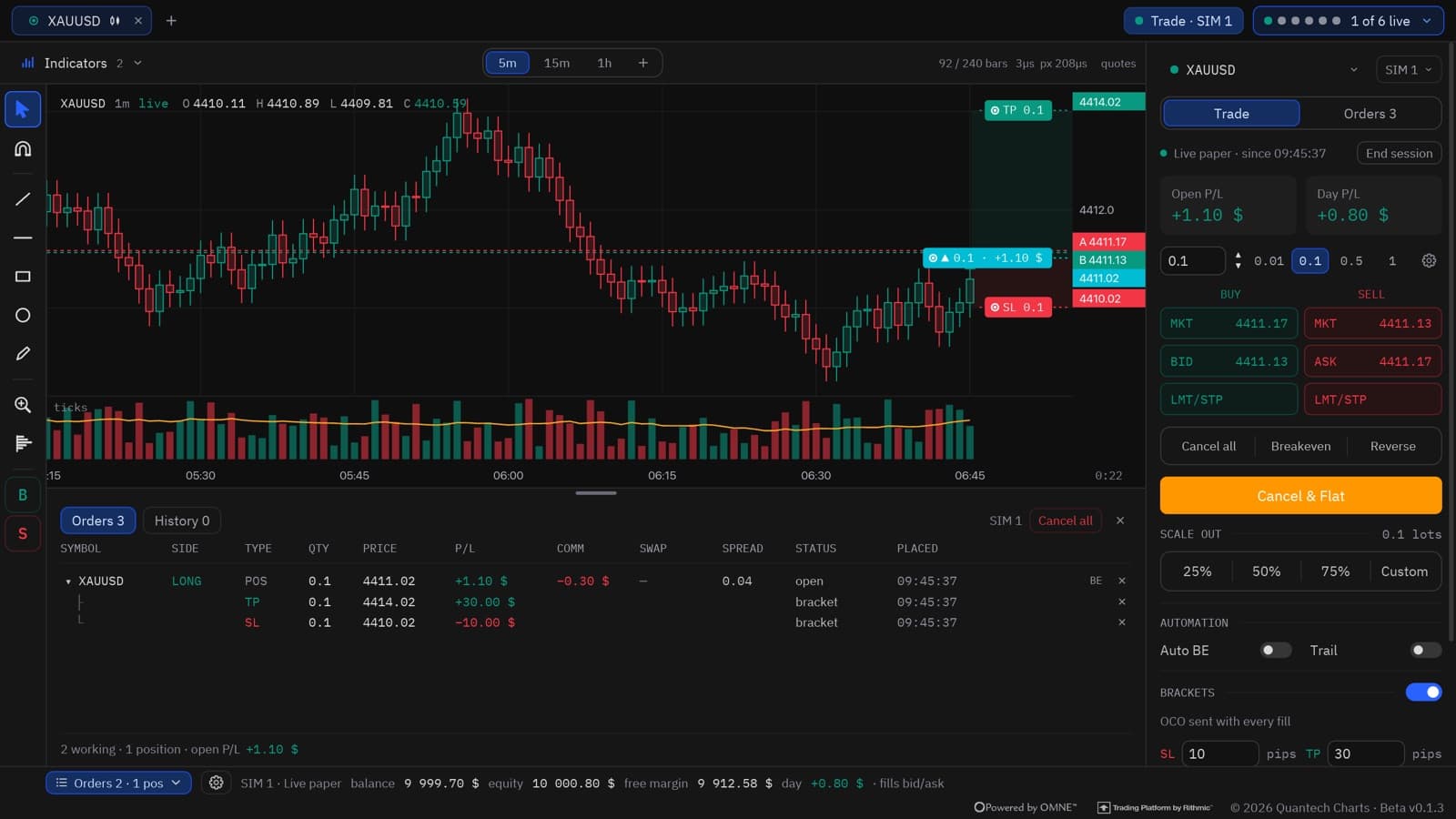
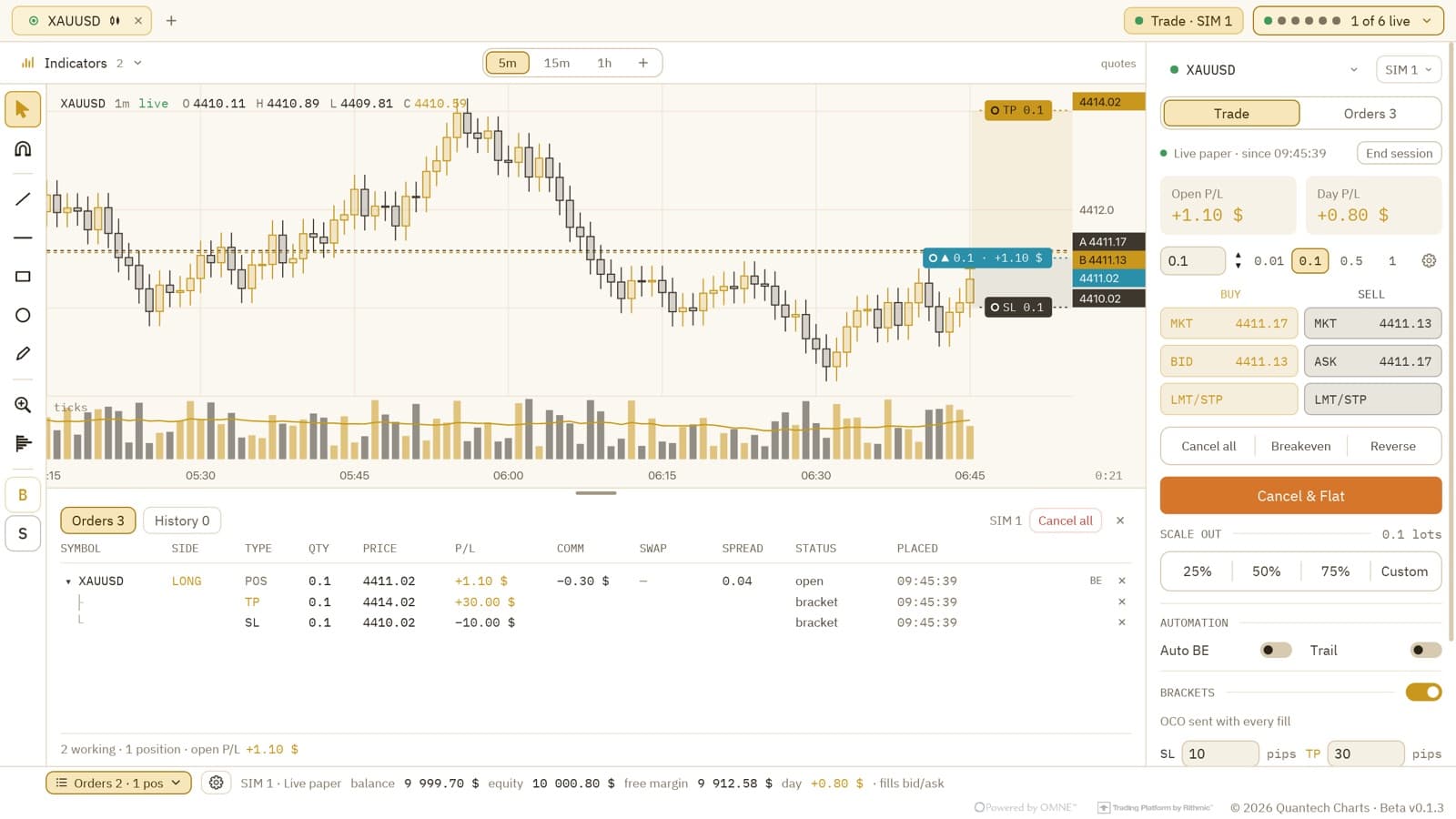
A native desktop charting app for futures and CFDs. Live liquidity heatmap, footprint and volume profile on CME data — replay any session and trade it with brackets, break-even and trailing stops.

  • Liquidity heatmap and footprint
  • Session replay and simulated trading
  • Rithmic futures data · cTrader execution
Explore Charts →
Charts with an open position, its bracket and the trade panel

How it works

Learn. Read. Apply. Review.

One loop, four steps. Each product hands you to the next, so a concept turns into a decision and a decision turns into a lesson.

  1. 01

    Learn

    Pick up a concept — what moves gold, how liquidity pools form, why a level holds.

    Member
  2. 02

    Read

    The macro desk tells you which regime you are in and where the bias sits today.

    Macro
  3. 03

    Apply

    Find it on the chart. Watch the book and the footprint react at your level, then execute.

    Charts
  4. 04

    Review

    Your journal and session reports show what worked — and point you back to the lesson that explains why.

    Journal and reports

Macro

A desk that reads the market with you.

Twelve modules, one login. The AI bias engine, macro regime, trade ideas and gamma — refreshed live and explained in plain language.

  1. Morning briefingBias, mood and what changed overnight, the moment you log in.
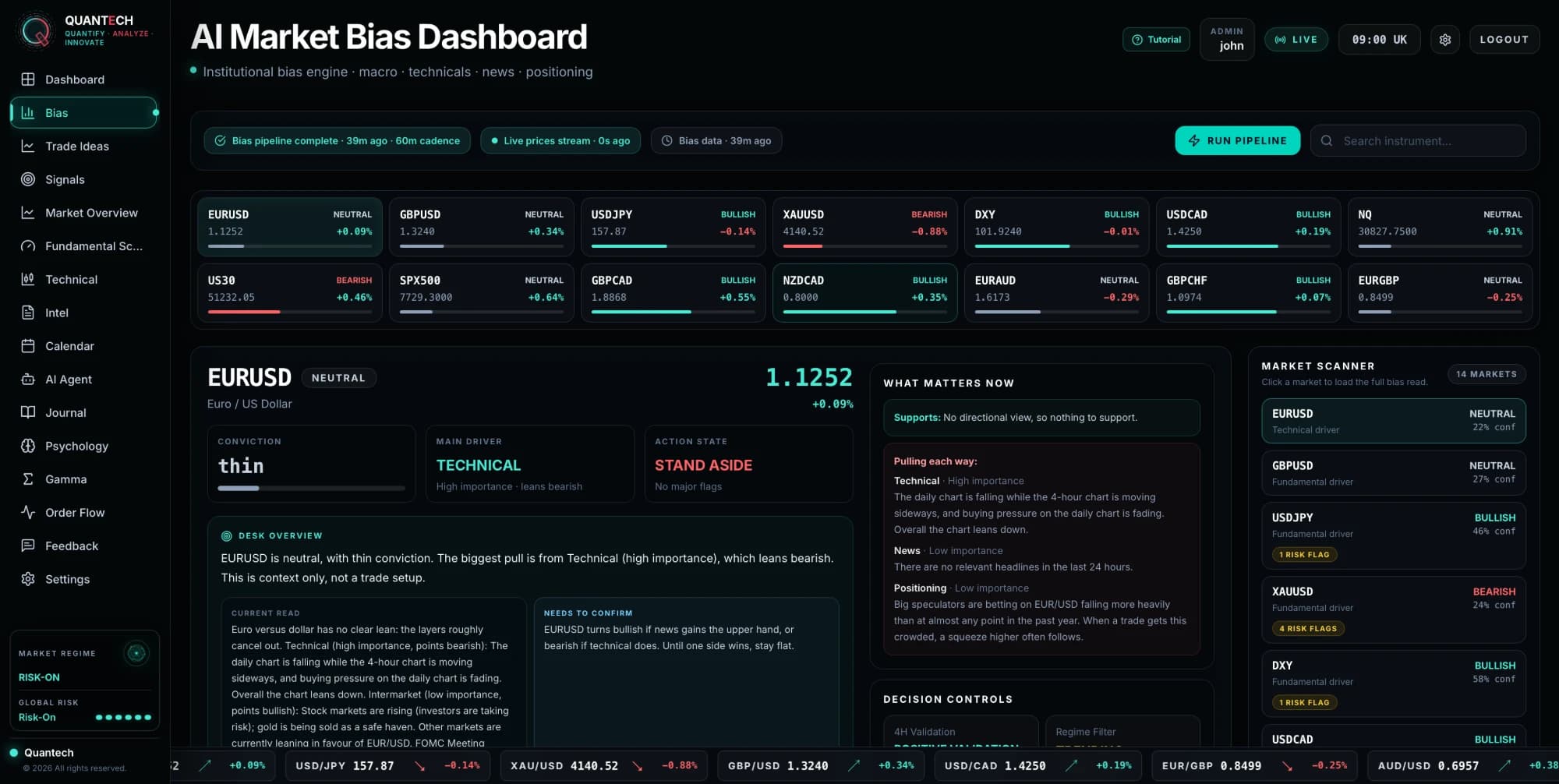
  2. AI bias engineA bias per instrument with its drivers, its conviction and what would change it.
  3. Macro regimeLiquidity, rates, inflation and risk — each value with its own observation date.
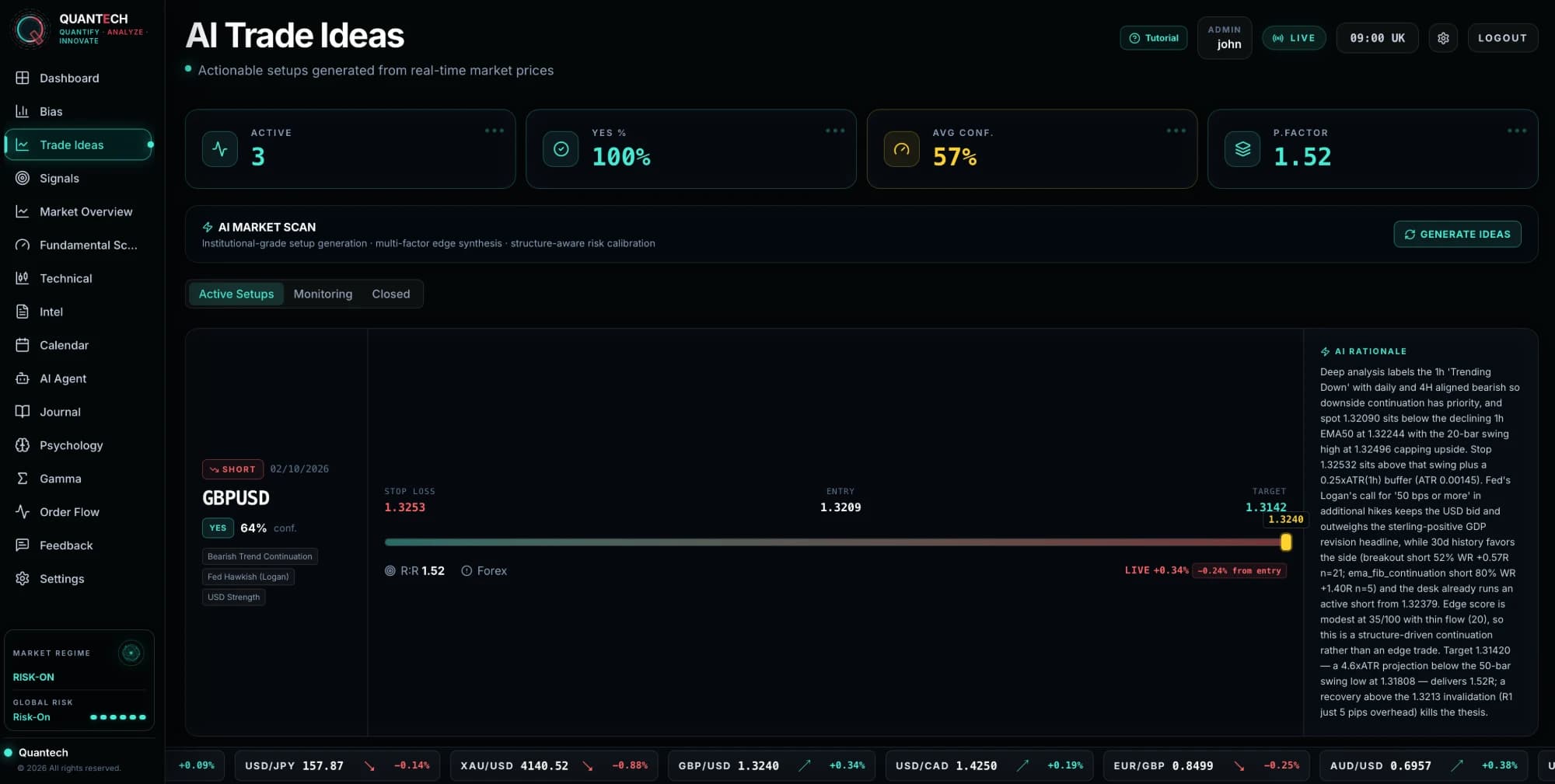
  4. Trade ideasSetups with entry, stop and target, and the reasoning behind every one.
Explore Macro →
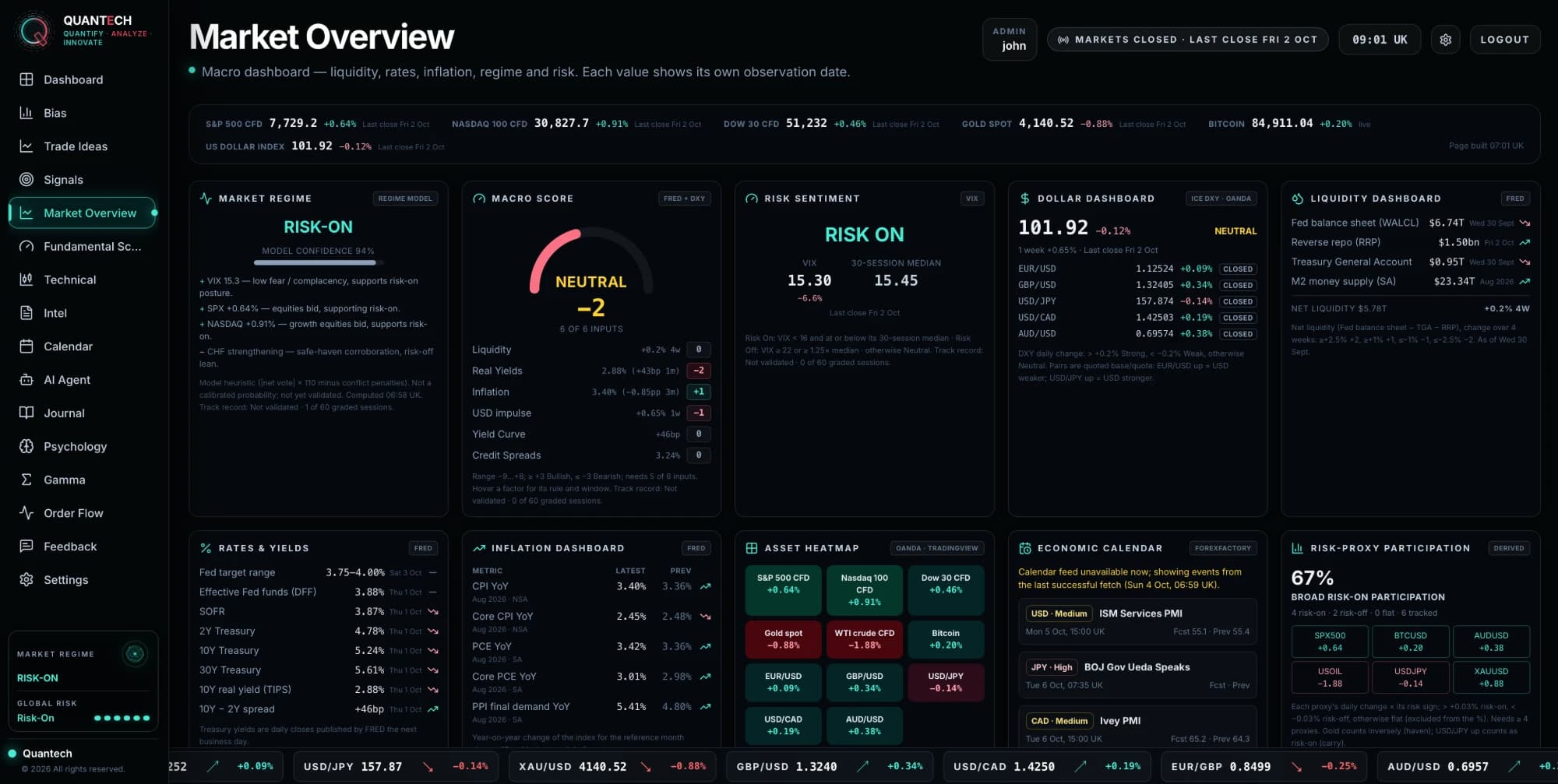
Macro dashboard with the AI macro desk
The AI market bias dashboard
The macro market overview
An AI trade idea with entry, stop and target
  • 01Bias
  • 02Trade ideas
  • 03Signals
  • 04Market overview
  • 05Fundamental scoring
  • 06Technical
  • 07Intel
  • 08Calendar
  • 09AI agent
  • 10Journal
  • 11Psychology
  • 12Gamma

Charts

Charts that show who is trading.

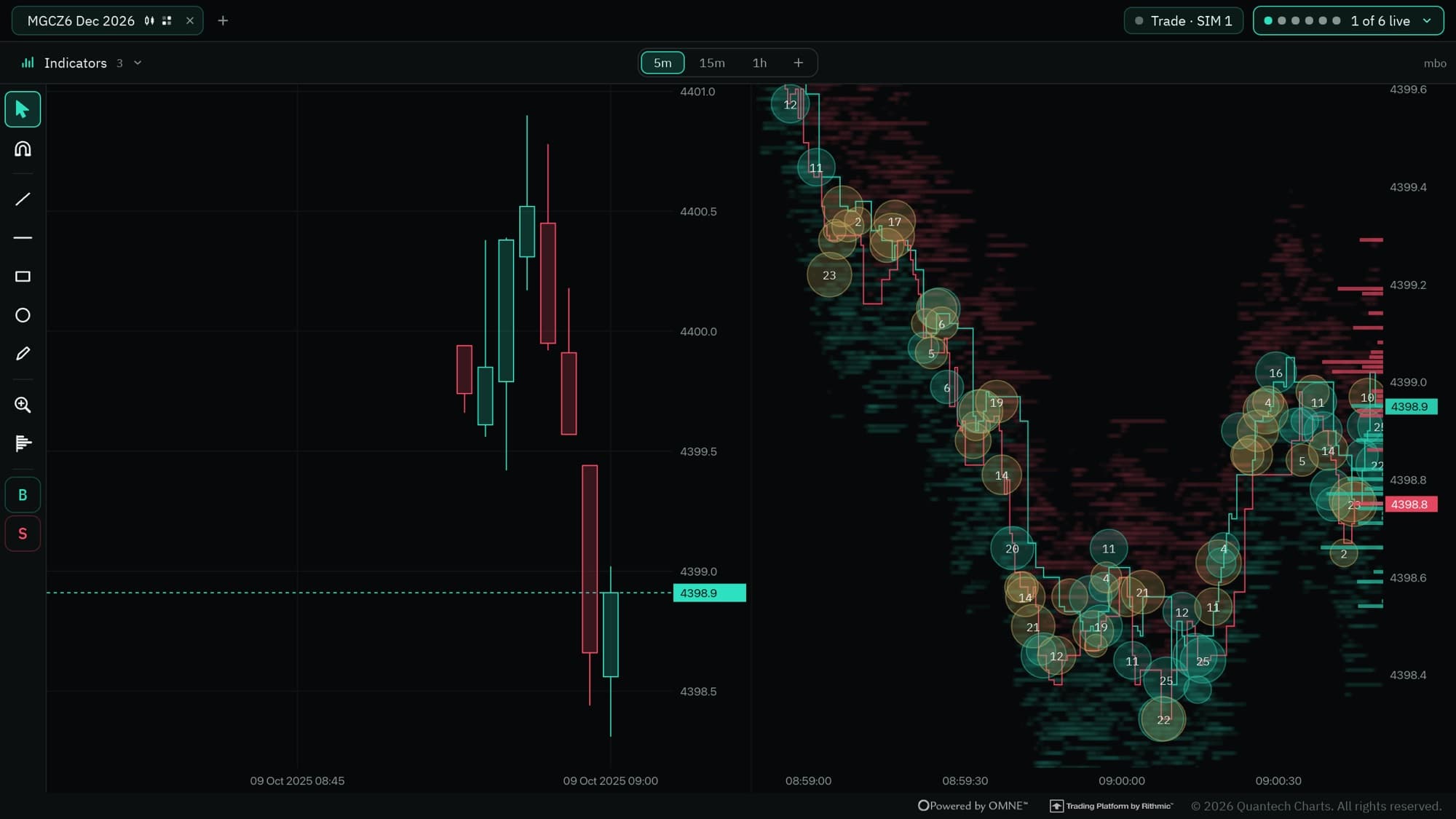
Built in Rust and drawn on the GPU, so a full day of order book replays in seconds. Candles tell you where price went — the book tells you why.

Candles beside a live liquidity heatmap in Charts
  • 01

    Liquidity heatmap

    Resting orders painted behind price, so you see where size is waiting.

  • 02

    Footprint and bar stats

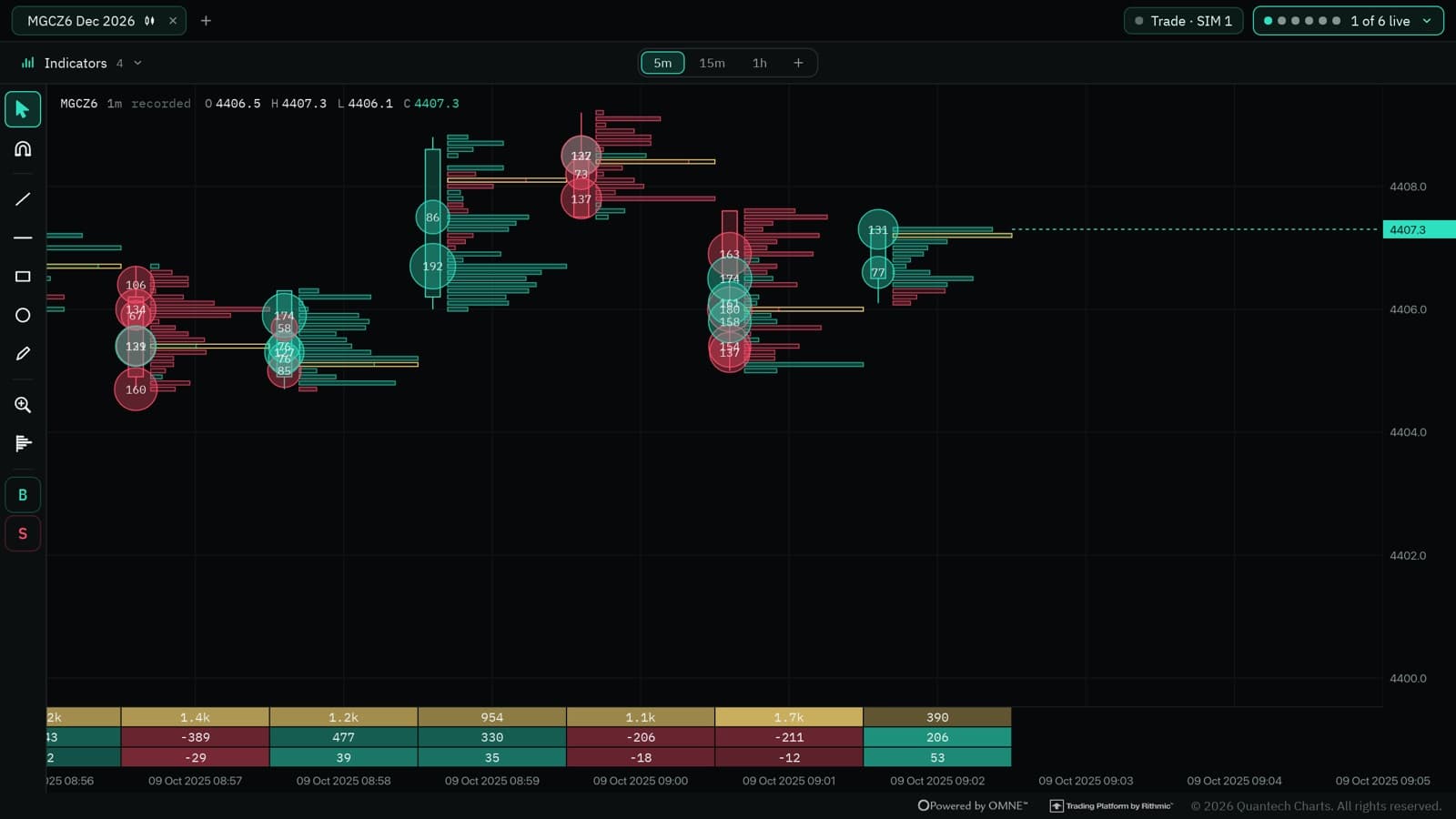
    Bid and ask volume inside every bar, with delta and imbalances.

  • 03

    Replay and trade

    Rewind any session and trade it in simulation, with a report at the end.

  • 04

    Real futures data

    CME and COMEX through Rithmic, CFD execution through cTrader.

Explore Charts →
The footprint chart with bar statistics

Layouts

Split it. Merge it. Make it yours.

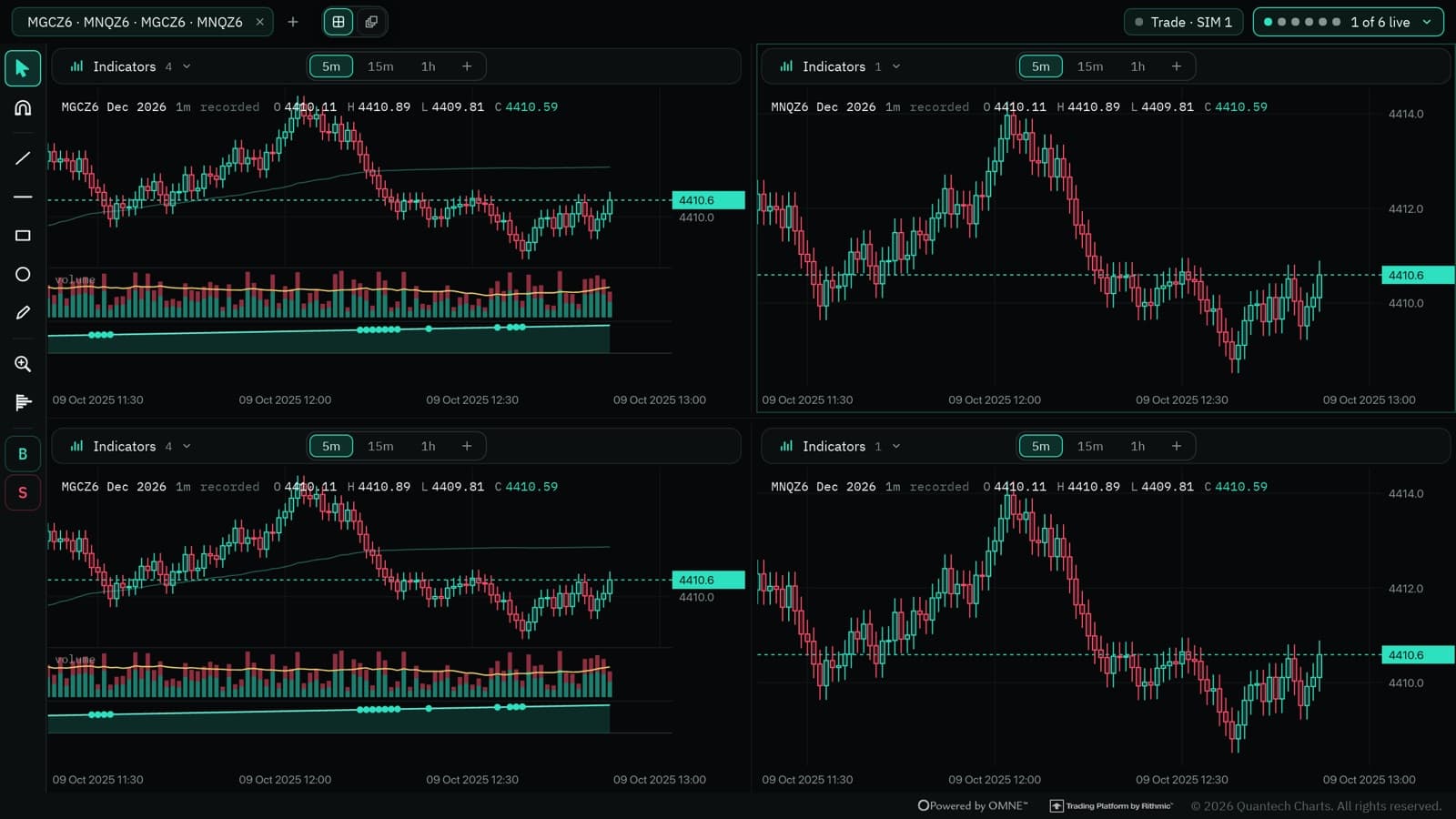
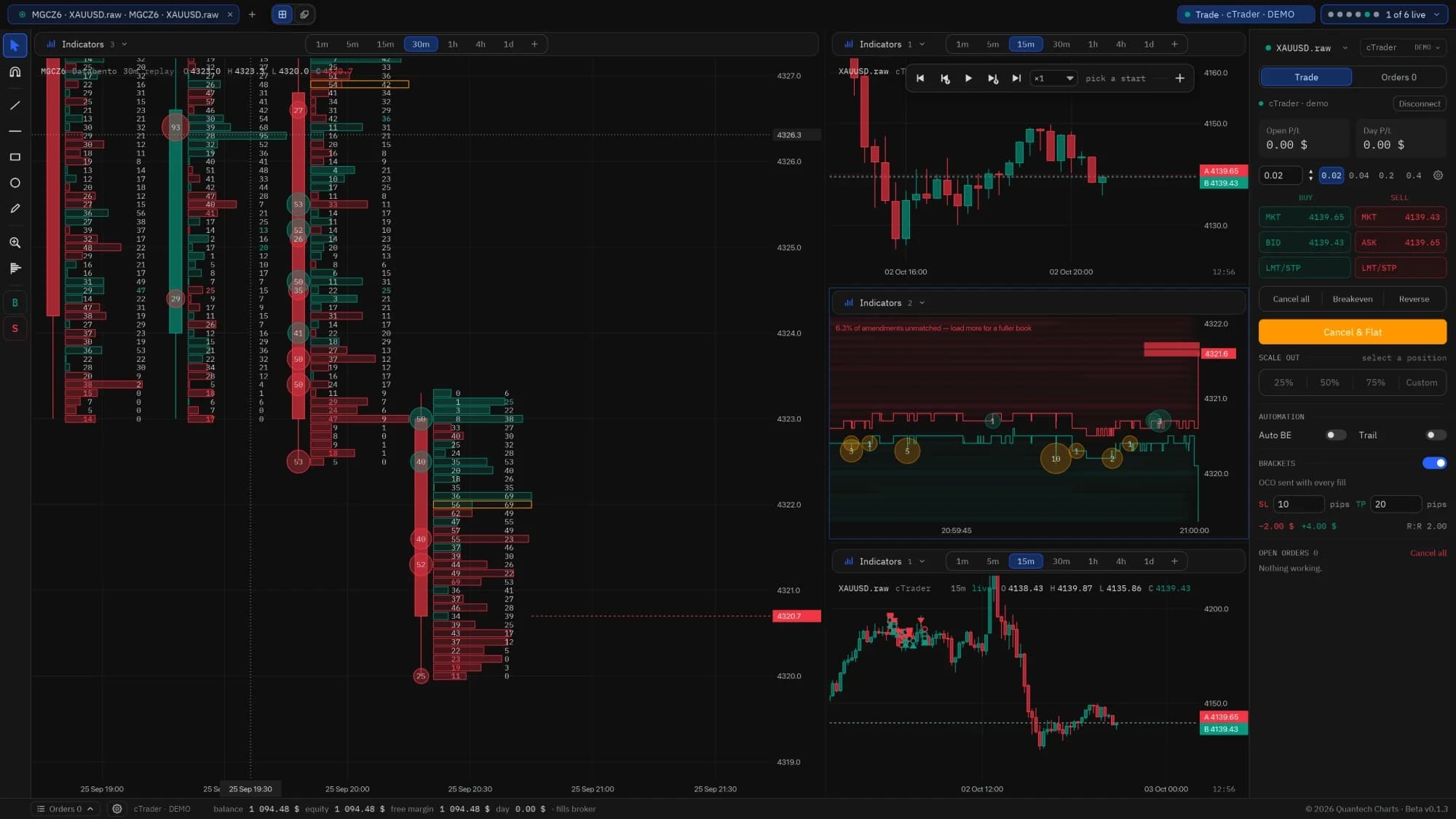
Merge any charts into one tab and arrange them the way you trade — footprint, heatmap and candles side by side, across instruments and timeframes, with the trade panel docked beside them.

  • Side by side
  • Grid of four
  • One big, three small
Four charts merged into a grid
A split view with a footprint chart, a liquidity heatmap, candles and the trade panel

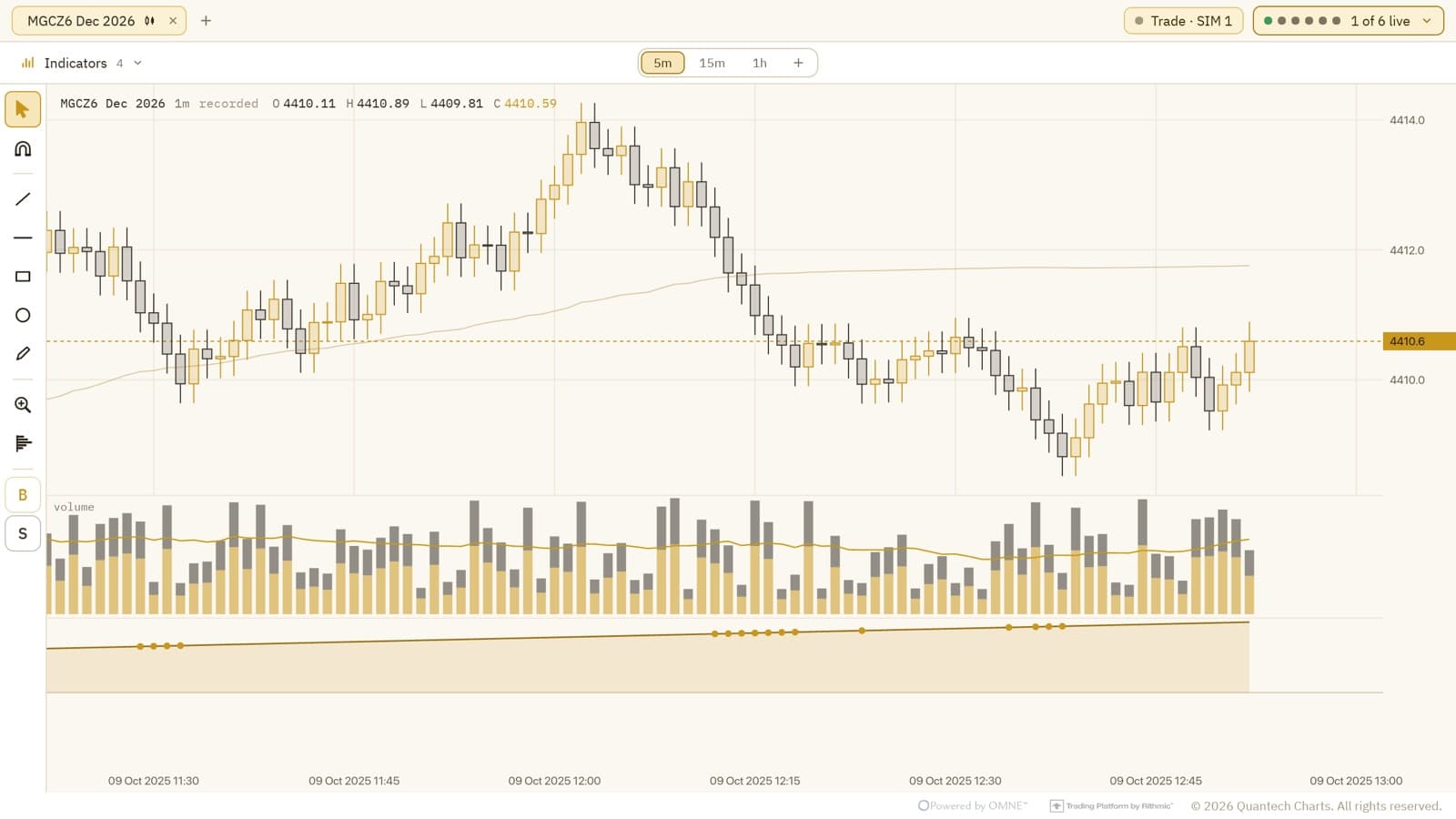
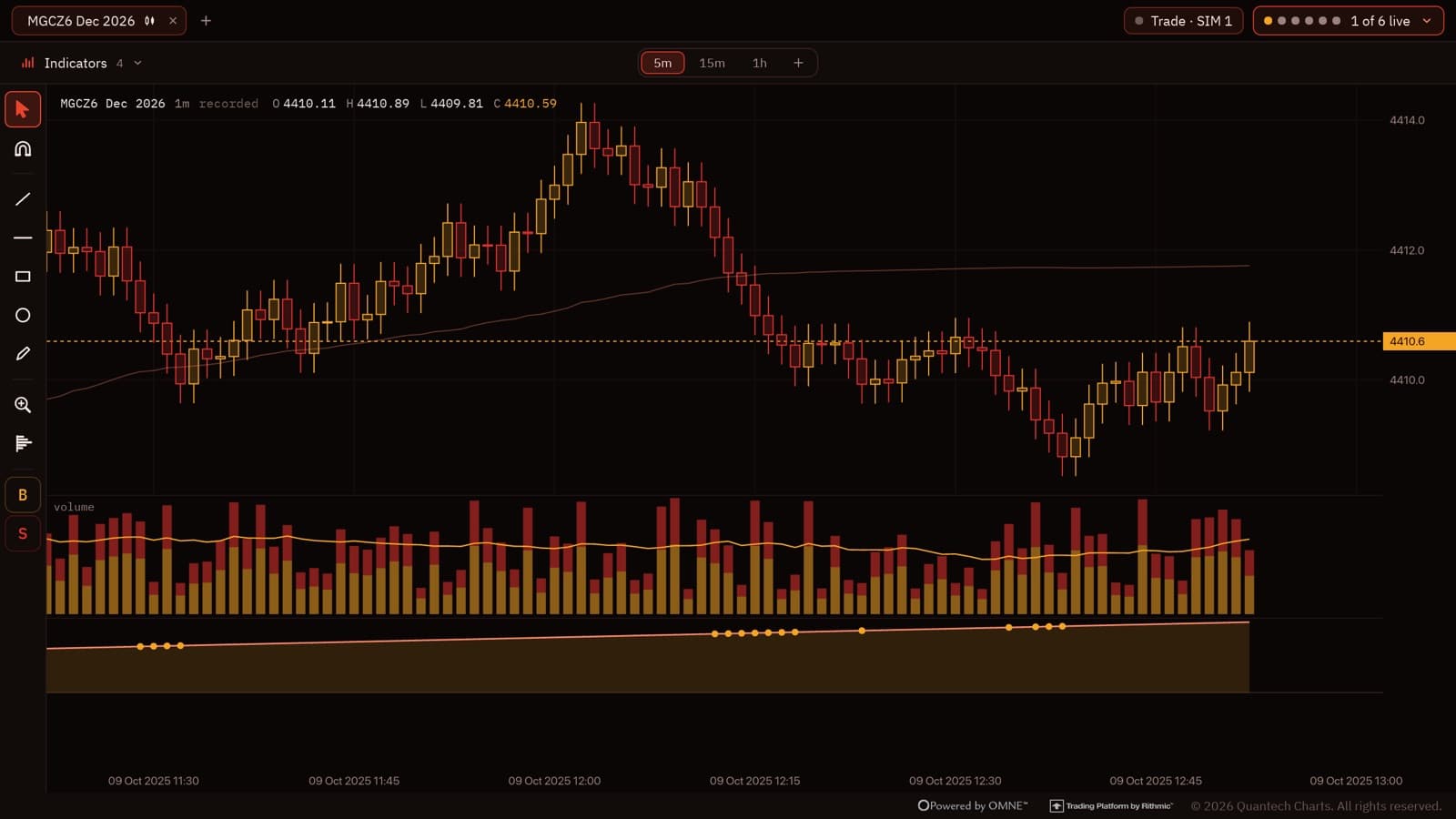
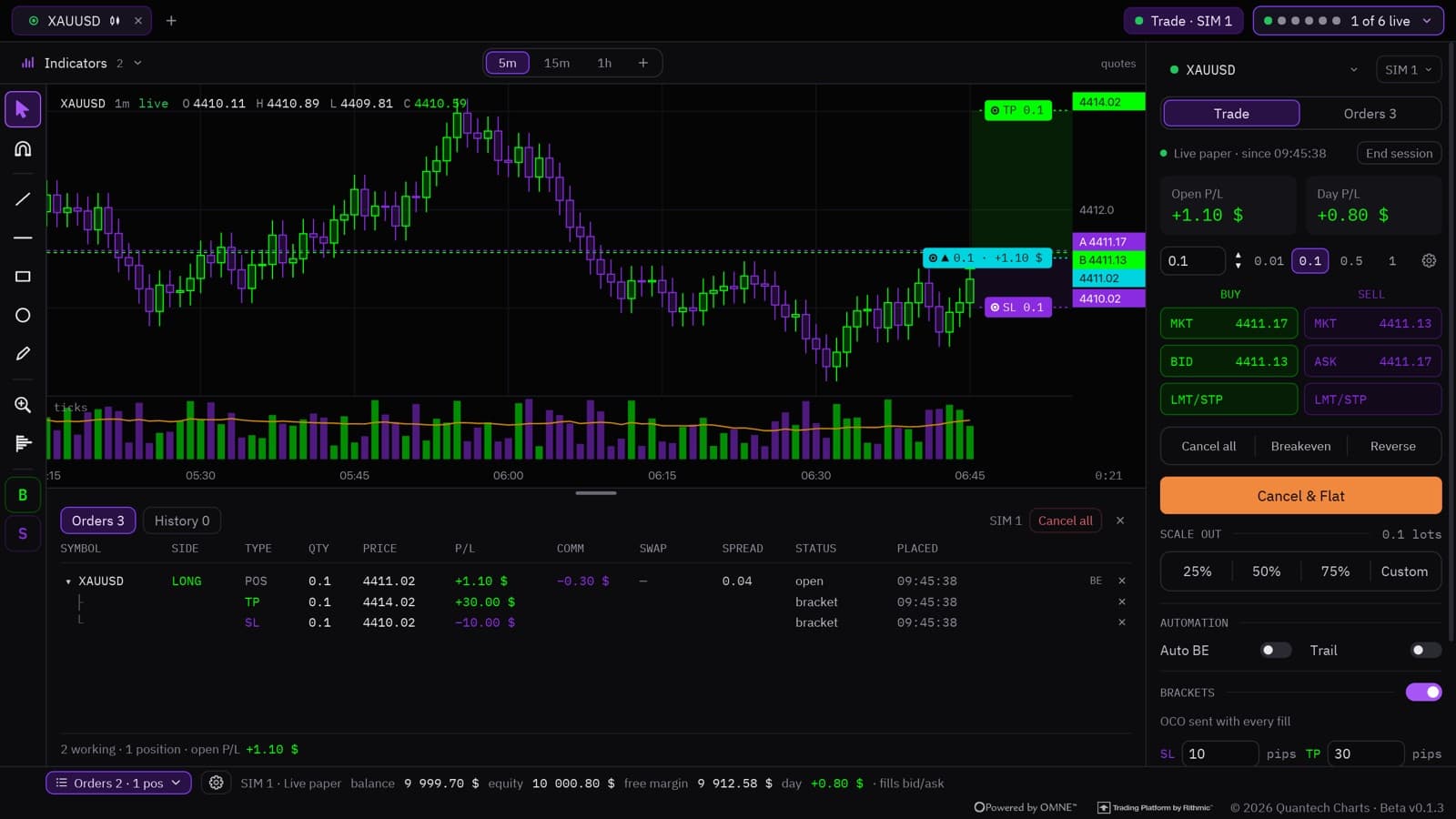
Themes

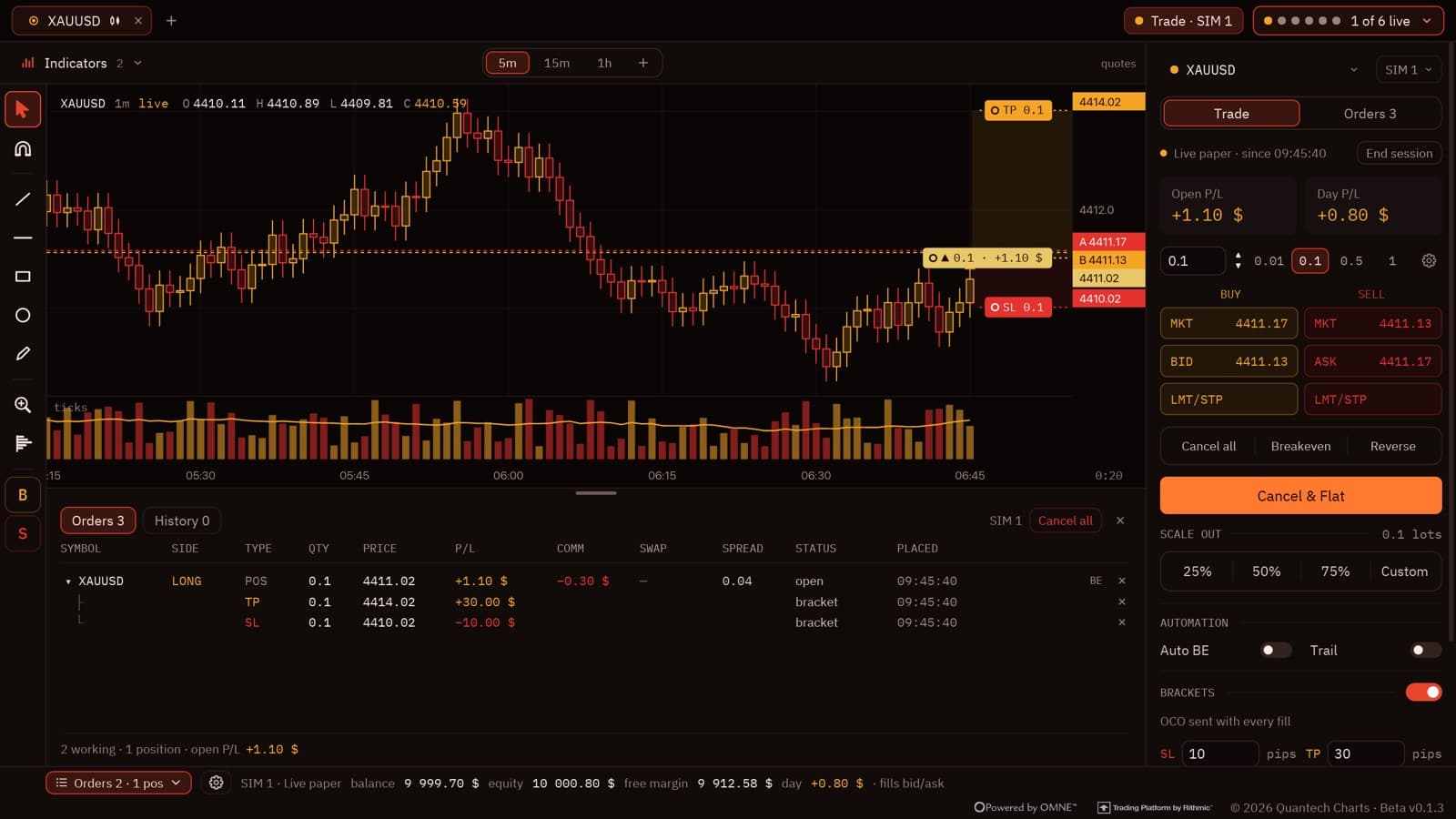
Your desk, your colours.

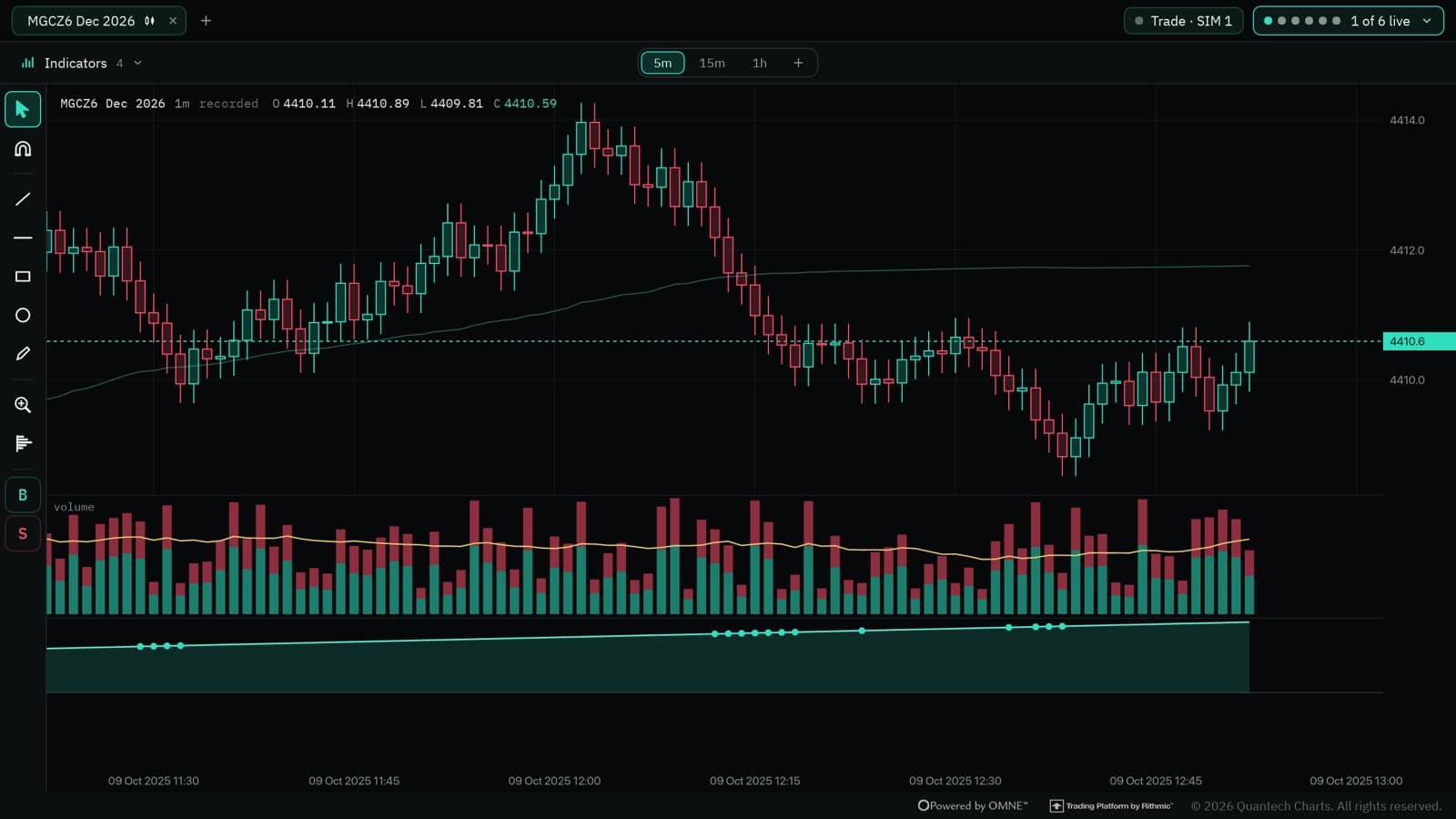
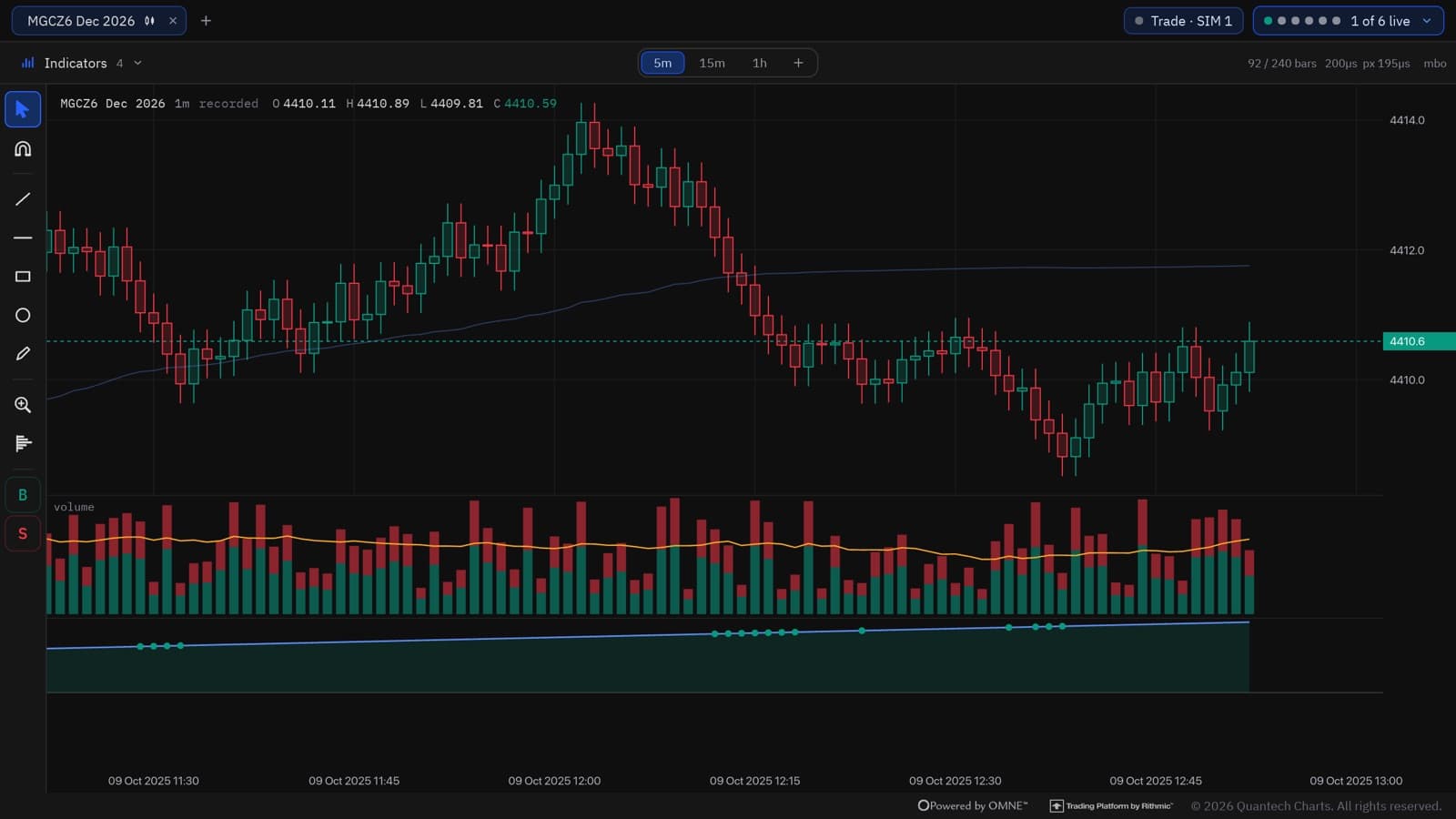
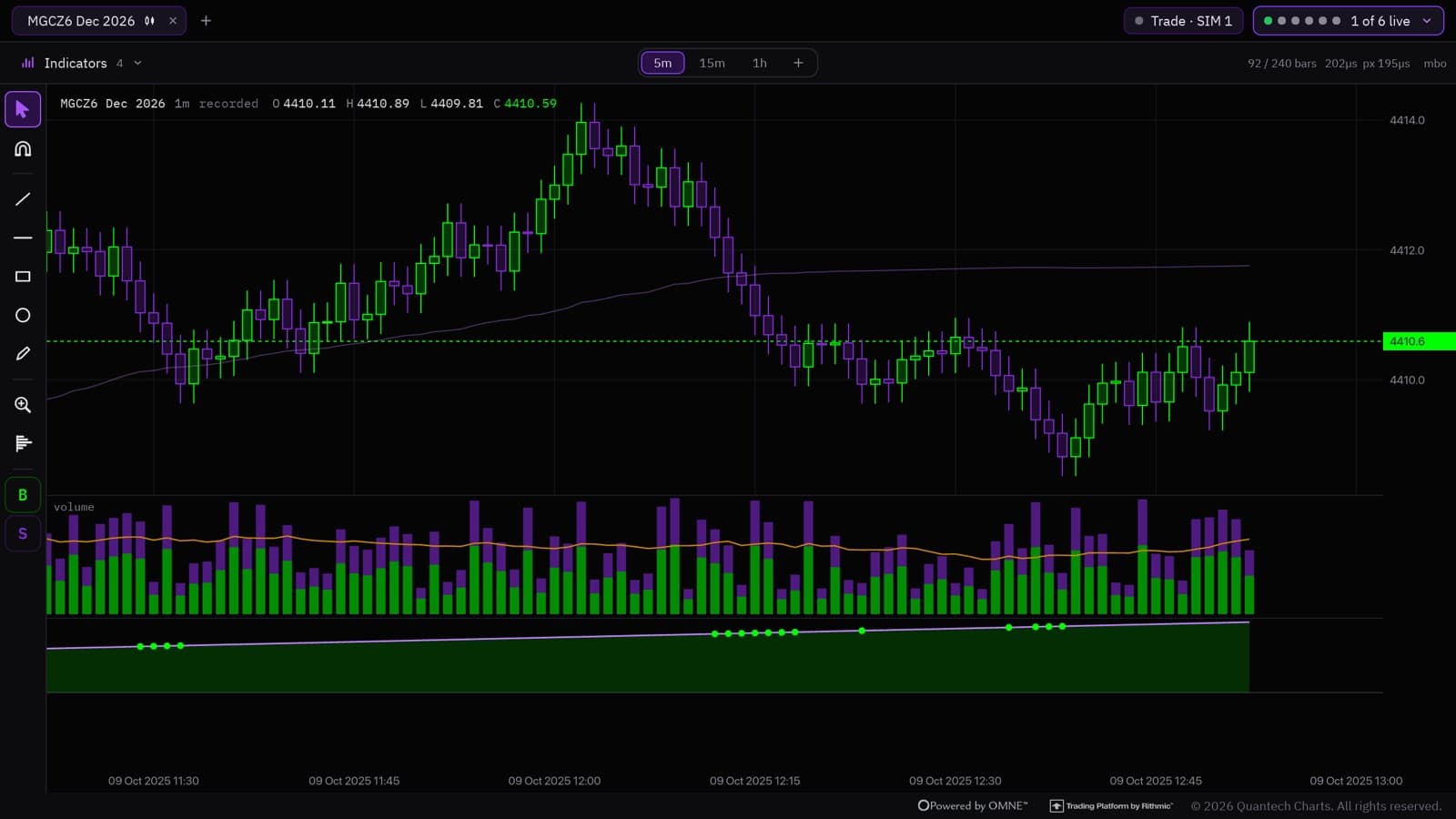
Five built-in themes — or build your own, down to every candle and level.

Charts in the Quantech theme
Quantech
Charts in the TradingView theme
TradingView
Charts in the DeepCharts theme
DeepCharts
Charts in the LightHoney theme
LightHoney
Charts in the Vulcan theme
Vulcan
Charts in the Quantech theme
Quantech
Charts in the TradingView theme
TradingView
Charts in the DeepCharts theme
DeepCharts
Charts in the LightHoney theme
LightHoney
Charts in the Vulcan theme
Vulcan

Learn it.Then apply it.

Quantech is free while in beta. Start with the macro desk today and get the charts and learning paths as they open.

Encrypted sessions · your journal and data stay yours